Technology Checklist for New Businesses in Zanzibar
A new business in Zanzibar needs a domain and email in its own name, internet with a backup, a router that keeps customers, staff and tills apart, approved receipting, backups and power protection. This checklist puts them in the right order.
Why the domain, email and accounts must be in the business's name
How one router keeps staff, customers and the till apart
Which receipting system to check for in Zanzibar and on the mainland
How backups, a UPS and surge protection keep you trading
Applies to
Business-grade router with VLAN support
Small managed or PoE switch
Access points
POS till and card terminal
CCTV recorder and cameras
UPS and surge protection
Tools Required
No tools needed.
Important
Never work on mains wiring yourself; use a qualified electrician.
This is not tax advice. Confirm receipting obligations with ZRA, TRA or a tax adviser.
Step-by-Step Guide
How a small business network fits together
1 / 7 steps
Step 1
Own your name online first
Register the domain in the business's name and set up email with MX, SPF, DKIM and DMARC records.
Expected result: Your email and website belong to the business, not to a developer or a member of staff.
Fibre where available, with 4G as backup, both into one business router that fails over automatically.
Expected result: Card payments and bookings keep working when one provider fails.
The router runs three networks: staff, customer Wi-Fi and POS. Firewall rules stop them reaching each other.
Expected result: A customer's phone gets internet only and cannot reach the till or the office PC.
The POS reaches only its payment service and the receipting system you must use, such as ZRA's VFMS in Zanzibar.
Expected result: Each sale is recorded once, with a valid receipt.
Cameras on PoE feed a recorder kept in a locked place. Remote viewing uses the maker's app, not open ports.
Expected result: You can check the shop from your phone without exposing the recorder.
Accounts, POS data and documents copy automatically to a local drive and to the cloud. Test a restore.
Expected result: A stolen laptop or failed disk does not take your records with it.
Put the ONT, router, switch, POS, main computer and recorder on a UPS with surge protection.
Expected result: You keep trading through short cuts, and surges do not destroy equipment.
Troubleshooting
Common problems and how to fix them
1 Cannot renew or move the domain
Likely cause The domain is registered in a developer's or former employee's name.
Solution Ask the registrar to transfer ownership to the business, with proof of identity.
2 Emails land in customers' spam
Likely cause Missing SPF, DKIM or DMARC records.
Solution Add the records your email provider gives you to the domain's DNS.
3 Customers can see the till on the network
Likely cause Customer Wi-Fi and POS share one network.
Solution Put POS on its own VLAN with firewall rules, using a business router.
4 Sales stop every power cut
Likely cause No UPS on the router, ONT and POS.
Solution Fit a UPS sized for your equipment, plus surge protection.
5 Payments fail when the internet drops
Likely cause No backup connection.
Solution Add a 4G backup with automatic failover and test it.
6 Lost data after a laptop was stolen
Likely cause No automatic or off-site backups.
Solution Set up automatic backups to a second location and test a restore.
In Depth
In Depth
A new business in Zanzibar needs a domain and email in its own name, internet with a backup, a router that keeps customers, staff and tills apart, approved receipting, backups and power protection. This checklist puts them in the right order.
Technology is often left until the week before opening. That is when the wrong router gets bought, the website is registered in the developer's name and the till ends up on the customer Wi-Fi. Fixing these later costs more than getting them right at the start. This guide is for anyone opening a shop, restaurant, office, guesthouse, clinic or agency.
Local conditions to plan around
Power cuts and surges damage equipment and stop sales. Budget for UPS units and surge protection from day one.
Internet varies by street. Check which providers serve your exact address before signing a lease, and plan a 4G backup.
Salt air and humidity near the coast shorten the life of outdoor equipment and connectors.
Thick coral-stone and concrete walls block Wi-Fi; see Wi-Fi dead zones.
Stone Town is a UNESCO World Heritage Site; visible changes to building exteriors, such as cameras, antennas and signs, need approval from the conservation authority.
Spare parts often come from Dar es Salaam, so keep spares of critical items.
Mobile money (M-Pesa, Mixx by Yas, Airtel Money, HaloPesa and others) is how many customers prefer to pay.
The essentials, in order
1. Domain name and business email
Register your domain (for example .co.tz or .com) in the business's name, with a contact email the business controls. Many businesses discover years later that their domain belongs to a former web developer.
Use email on your own domain, not free webmail, and set up the DNS records that stop your mail being marked as spam or forged: MX (where mail is delivered), SPF (which servers may send for you), DKIM (a signature on outgoing mail) and DMARC (what receivers do with mail that fails those checks). If mail goes missing later, see business email not sending or receiving. Our domains and hosting pages cover the services.
2. Website
Start with a simple, fast site: what you do, where you are, opening hours and how to contact you, including a WhatsApp link. Make sure the business owns the content and the hosting account. What a website costs in Tanzania explains the options, and the website launch checklist helps before you go live.
3. Internet and the business network
A primary connection (fibre if available) and a backup on a different technology, such as 4G.
A business-grade router that can run separate networks (VLANs) for staff, customers and payment devices, with firewall rules between them. A home router usually cannot.
A small managed or PoE switch for the till, office computer, access points and cameras. Our explainer on what a network switch is helps you choose.
Access points near where people work and sit, rather than one router in a corner. For a larger space, read business Wi-Fi network design.
4. POS and mobile money
Choose a POS system that records sales, stock and payment method, and that can export your data.
Keep card terminals and POS tills on their own network, separate from customer Wi-Fi.
Register for business mobile-money payments with the providers your customers use. Train staff to confirm each payment on the till or the official merchant app before handing over goods, never from an SMS shown on a customer's phone.
5. Electronic receipting
Receipting rules differ between the islands and the mainland, so check which apply to you.
In Zanzibar, the Zanzibar Revenue Authority (ZRA) runs the Virtual Fiscal Management System (VFMS), which generates receipts and records sales transactions, with a POS application and a taxpayer portal. Since the VFMS Amendment Regulations, 2026 (Legal Notice 106 of 2026), businesses providing accommodation and related hospitality services must use a property management system approved by ZRA, and software suppliers serving them must integrate with the ZRA system.
On the mainland, the Tanzania Revenue Authority (TRA) requires approved Electronic Fiscal Devices (EFD) or Virtual Fiscal Devices (VFD) from suppliers on its approved list.
Which system and which taxes apply depends on where you are registered, what you sell and your turnover. Confirm your obligations with ZRA, TRA or a tax adviser before you open, and ask your POS supplier whether it connects to the system you must use, so you do not enter every sale twice.
Note Extrion is not a tax adviser and this is not tax advice. Requirements change; check the official sources.
6. Backups
Follow the 3-2-1 idea: three copies of important data, on two different types of storage, with one copy off site (for example in the cloud). Back up accounts, customer records, POS data and documents automatically, and test a restore at least once. Our backup and disaster recovery guide explains the options.
7. Cybersecurity basics
A unique, strong password for every account, kept in a password manager. Try the password generator.
Multi-factor authentication on email, banking, hosting and social media.
Automatic updates on computers and phones.
A separate account for each staff member; remove access the day someone leaves.
Staff trained to be suspicious of urgent payment requests and unexpected links.
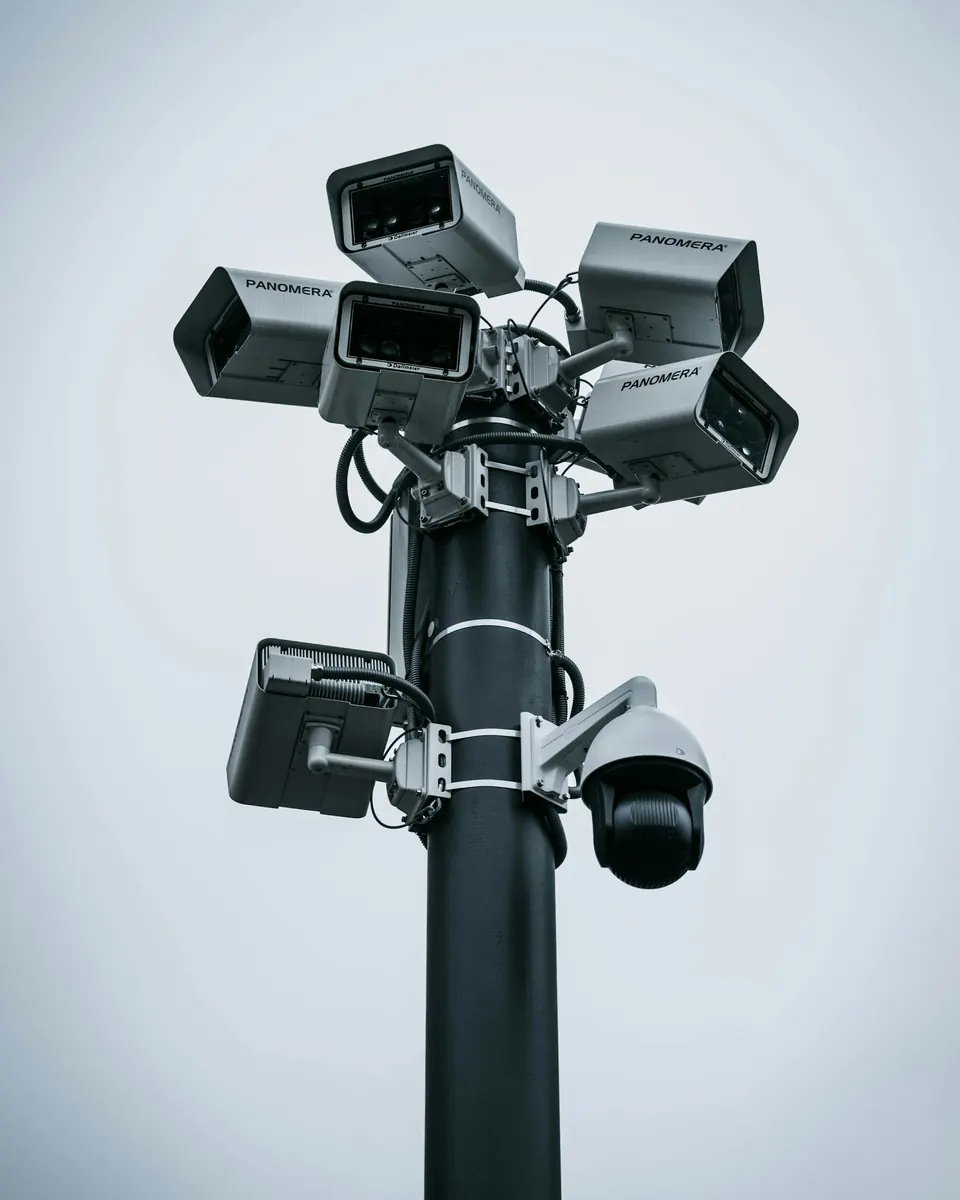
Cover the entrance, the till, the stock room and the outside. Keep the recorder locked away and on a UPS, put cameras on their own network, and set up remote viewing safely without opening router ports. Security for shops and offices and viewing CCTV on your phone safely go into detail.
9. Power protection
A UPS for the ONT, router, switch, main computer, POS and CCTV recorder.
Surge protection on sensitive equipment.
An electrician to check earthing and circuits before you plug in.
Warning Do not overload sockets or extension leads, and never work on the mains supply yourself. Use a qualified electrician.
10. Software and accounts
Use licensed, supported software: an office suite, accounting software, antivirus where appropriate.
Register every account (Microsoft, Google, hosting, domain, social media) to a business-owned email address, not a member of staff's personal one.
Write down where each subscription is billed and when it renews.
Phased plan
Before opening (must have): domain and email in your name; internet with backup; a business router with separate networks; POS and mobile-money payments; approved electronic receipting if required; UPS on key equipment; basic CCTV; strong passwords and MFA.
First three months: website live; automatic backups tested; staff accounts and training; alarm or access control if needed.
First year: better Wi-Fi coverage, more cameras, systems that integrate (POS with accounts and stock), and a maintenance arrangement.
The RANS Company Limited office shows a full office set-up Extrion delivered: LAN, fibre, CCTV, IT systems and business applications, systems integration and technology support.
When to call Extrion
If you are opening a business and want the technology done properly from the start, Extrion can plan and install it in one go. See our IT management services or contact us.
This guide is general information. Procedures, product features and firmware change, so check your own equipment's documentation before you start.
FAQs
Frequently asked questions
What should I set up first?
The domain and email in your name, the internet connection, and a router with separate networks. Almost everything else depends on them.
Do I need a website if I use social media?
A website is something you own and control, and it gives your business email credibility. Social media accounts can be suspended, hacked or lost.
Why keep the till off the customer Wi-Fi?
Anyone with the Wi-Fi password could try to reach devices on the same network. A separate network for POS and card terminals, with firewall rules, keeps customers' devices away from your payments.
Is a backup internet connection really necessary?
If you take card payments, bookings or online orders, yes. A 4G backup usually costs little compared with a day without sales.
Which receipting system applies to my business?
In Zanzibar it is usually ZRA's VFMS; on the mainland, TRA's EFD or VFD. The details depend on your registration and what you sell, so confirm with the revenue authority or a tax adviser before you open.
Does Extrion supply receipting devices?
No. Use a system or supplier approved by the relevant revenue authority. Extrion can set up the network, POS connectivity and power around it.
How much should a new business budget for IT?
It depends on size and type. The IT budget planner gives a starting estimate, and we can give a quote for your premises.
Need Ongoing IT Support?
Managed IT support that keeps computers, networks and systems healthy, with a team that knows your setup.
Ask for clarification, tell us a problem this did not solve, or suggest a topic. An engineer reads every message, and we use them to improve the Knowledge Center.
BookBook a consultationPick a time to talk through your project.
Call us+255 674 020223
WhatsAppChat with our team.
Emailinfo@extrion.co.tz
PayPay withBank and mobile money detailsPBZ Bank 045 195 9000Mixx by Yas +255 674 020 223Lipa Namba 16172192
Find usKiembesamaki, Zanzibar
Ask Extrion
Engineers reply Mon – Fri, 08:00 – 17:00
End this chat?
We'll send a copy of the conversation to our team. Next time, the chat starts fresh.
online nowPeople browsing Extrion Tech right now
Privacy by design
A few cookies, only with your say-so
We use essential cookies to keep this website secure and working. With your permission we also remember your preferences and play embedded videos. No advertising trackers, ever. Read our cookie notice
 IT Procurement, Maintenance & Troubleshooting
12 min
Zanzibar resource