Use-case discovery
We follow the job in the field to learn who uses the app, where, on which devices and with what connectivity.
You receive: User journeys & feature list
Service 03
Take your business systems to wherever the work happens.
Pay by bank transfer or mobile money. Hover or tap a method to see its details and copy them in one click.
 PBZ Bank
 Mixx by Yas
 Lipa Namba
Overview
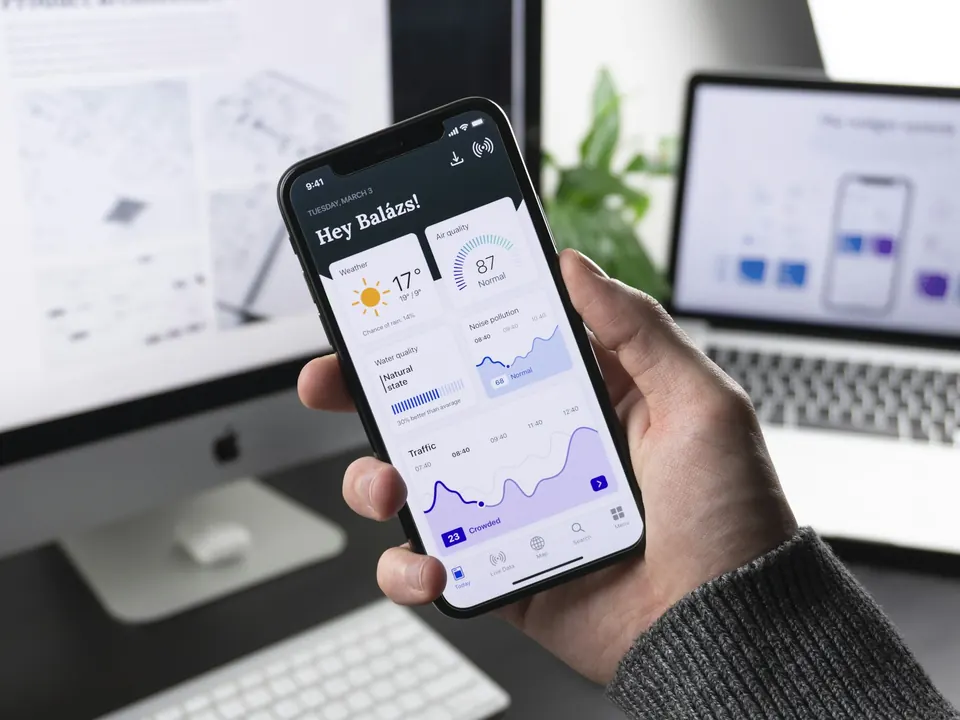
We extend business systems to mobile devices so teams can work, capture information and access critical services wherever operations take place.
Field teams, site supervisors and managers on the move often rely on calls and messages to report work, information arrives late, incomplete or not at all.
Types of mobile solutions
From a website that installs like an app to dedicated tools for your staff, we help you choose the type of mobile solution that fits your customers, your budget and your plans to grow.
A website that behaves like a mobile app. Customers can install it on their home screen, receive supported notifications and access app-like experiences without downloading from an app store.
Great for initial launch
Separate applications developed for iOS and Android, with deep access to device capabilities, notifications, camera, biometrics and other native features.
One codebase using technologies such as Flutter or React Native to produce iOS and Android applications.
Good long-term option
Dedicated applications for staff, cashiers, kitchen teams, managers and delivery personnel.
What we deliver
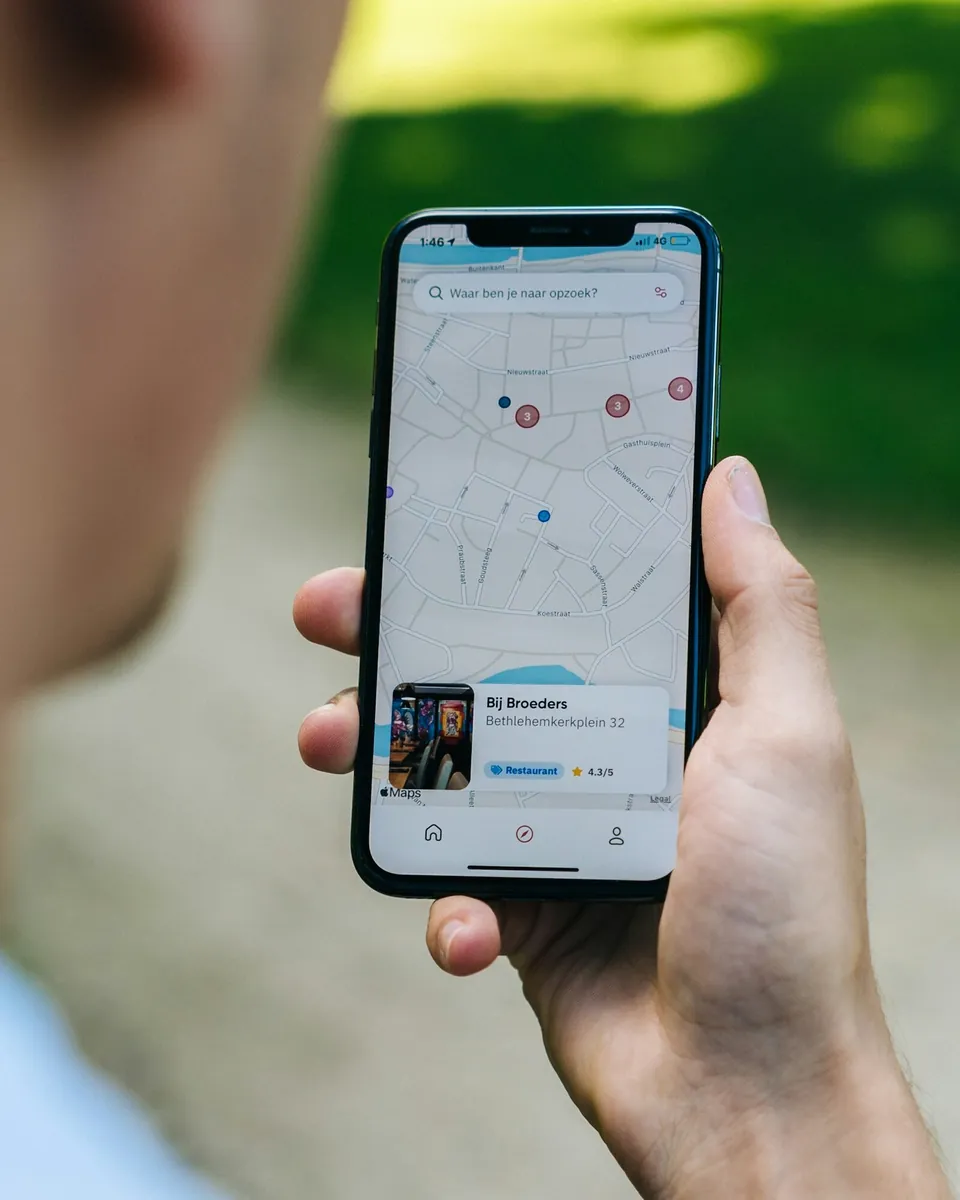
Mobile business applications, field data collection, attendance and location-based workflows, mobile approvals, offline-capable apps and secure mobile access to enterprise systems.
Apps that put your business system in the hands of staff, managers and customers.
Digital forms with photos, GPS and signatures that replace paper on site.
Check-ins, site visits and routes recorded with time and location for clear records.
Managers review and approve requests from their phone with push notifications.
Work continues without signal; data is stored on the device and synchronised later.
Secure mobile access to the business systems and data your team already uses.
Native or cross-platform apps built and tested for the devices your users carry.
Mobile Technologies
We use modern mobile technologies and frameworks to develop high-performance, intuitive and secure applications for iOS and Android devices.
Cross-Platform Development
Flutter compiles one Dart codebase to native apps for Android and iOS, and also to the web and desktop, drawing every pixel itself so the design looks the same everywhere.
Android iOS Web Windows macOS Linux
Cross-Platform Development
React Native uses React components that render to real native views, so web teams can build iOS and Android apps and share logic with a React website.
Android iOS
Cross-Platform Development
.NET Multi-platform App UI builds Android, iOS, Windows and macOS apps from one C# and XAML project, sharing code with existing .NET systems.
Android iOS Windows macOS
Cross-Platform Development
Ionic builds apps with HTML, CSS and JavaScript (Angular, React or Vue) and packages them for the app stores, so one web team can ship web, Android and iOS.
Android iOS Web
Cross-Platform Development
Kotlin Multiplatform shares networking, data and business rules across Android and iOS while each app keeps its own fully native interface.
Android iOS Windows macOS Linux
Native iOS Development
Swift is Apple's modern programming language for iPhone, iPad, Mac and Apple Watch apps, designed for speed and memory safety.
iOS macOS
Native iOS Development
SwiftUI describes screens in Swift code and keeps them in sync with your data, with built-in animation, accessibility and dark mode across Apple platforms.
iOS macOS
Native iOS Development
Objective-C powers many established Apple apps and libraries; we maintain and extend these apps and connect them with newer Swift code.
iOS macOS
Native iOS Development
Xcode is where Apple apps are written, designed, tested on simulators and signed for the App Store.
macOS
Native iOS Development
The iOS SDK gives apps native access to the camera, Face ID, location, notifications, Apple Pay and other device features.
iOS
Native Android Development
Kotlin is a concise, modern language that Google recommends for Android, fully compatible with existing Java code.
Android Windows macOS Linux
Native Android Development
Java runs established Android apps and many enterprise systems; it is cross-platform on the Java Virtual Machine.
Android Windows macOS Linux
Native Android Development
Jetpack Compose builds Android screens in Kotlin code with less boilerplate, built-in Material Design and smooth animation.
Android
Native Android Development
Android Studio provides the editor, emulators, profilers and build tools used to develop and release Android apps.
Windows macOS Linux
Native Android Development
The Android SDK gives apps access to the camera, biometrics, location, notifications and background services on Android phones and tablets.
Android
Backend & APIs
Laravel powers the APIs, admin panels and business logic behind our mobile and web apps, with authentication, queues and notifications built in.
Linux Windows Cloud
Backend & APIs
Node.js runs JavaScript on the server and handles many simultaneous connections, ideal for real-time APIs and chat.
Linux Windows macOS Cloud
Backend & APIs
Firebase provides authentication, push notifications, crash reports, analytics and hosting for mobile apps without running your own servers.
Android iOS Web Cloud
Backend & APIs
Supabase offers a PostgreSQL database with authentication, file storage and real-time updates, hosted or self-hosted.
Cloud Linux
Backend & APIs
Python runs APIs, data processing, AI features and automation scripts, and also builds simple cross-platform desktop tools.
Windows macOS Linux Cloud
Backend & APIs
REST APIs use plain HTTP and JSON so mobile and desktop apps can talk to your back-end and to payment, SMS and other services.
Web Cloud
Backend & APIs
GraphQL lets an app request exactly the fields it needs in one call, which keeps mobile apps fast on slow connections.
Web Cloud
Mobile Databases & Storage
SQLite is a small, self-contained SQL database stored as a single file inside the app, used on phones, desktops and embedded devices.
Android iOS Windows macOS Linux
Mobile Databases & Storage
Cloud Firestore is a document database that syncs data to every device in real time and keeps working offline.
Android iOS Web Cloud
Mobile Databases & Storage
Realm is an object database stored on the device, fast to query and simple to use from Kotlin, Swift, Dart, C# and JavaScript.
Android iOS Windows macOS Linux
Mobile Databases & Storage
PostgreSQL is a robust open-source database known for reliability, data integrity and advanced features such as JSON and geographic data.
Linux Windows macOS Cloud
Mobile Databases & Storage
MySQL is a fast, widely supported relational database that runs most web hosting and many business applications.
Linux Windows macOS Cloud
Mobile Databases & Storage
Room is the Android Jetpack library for storing data on the device with checked SQL queries, so apps keep working offline.
Android
Mobile Databases & Storage
Core Data manages an app's data on iPhone and Mac, with change tracking, undo and optional iCloud sync.
iOS macOS
Mobile UI/UX & Prototyping
We design every screen and clickable prototype in Figma, so you can review and comment before development starts.
Web Windows macOS
Mobile UI/UX & Prototyping
Adobe Illustrator creates the vector icons, illustrations and brand graphics used in our apps.
Windows macOS
Mobile UI/UX & Prototyping
Adobe Photoshop prepares photos, artwork and app store screenshots.
Windows macOS
Mobile UI/UX & Prototyping
Lottie plays designer-made vector animations natively in mobile and web apps, small in size and sharp on every screen.
Android iOS Web
Mobile UI/UX & Prototyping
Rive builds interactive, state-driven animations that respond to taps and app state in real time.
Android iOS Web Windows macOS
Testing & Deployment
Firebase App Distribution sends pre-release Android and iOS builds to testers, so your team can try every version before it goes live.
Android iOS
Testing & Deployment
TestFlight lets invited testers install beta versions of an iOS app before it is published on the App Store.
iOS
Testing & Deployment
Google Play Console publishes Android apps, manages staged rollouts and shows ratings, crashes and installs.
Android
Testing & Deployment
App Store Connect submits iOS apps for review, manages listings and releases, and reports downloads and ratings.
iOS macOS
Testing & Deployment
GitHub Actions runs tests and builds on every change and deploys apps and servers automatically.
Cloud Linux Windows macOS
Testing & Deployment
Fastlane automates the repetitive steps of releasing mobile apps: signing, screenshots and uploads to both stores.
Android iOS
No technology matches your search. Try another name or category.
How We Build Mobile Apps
Cross-platform applications
One Flutter codebase for Android and iOS, with Firebase for sign-in, push notifications and analytics.
Scalable mobile platforms
React Native apps on a Node.js API and PostgreSQL database, built to grow with many users.
Native iOS applications
Fully native iPhone and iPad apps with Face ID, Apple Pay and the latest iOS features.
Native Android applications
Modern native Android apps with Material Design, fast on every Android phone.
Business and enterprise applications
Flutter apps on a Laravel API and MySQL, with an admin portal for your team.
From field need to pocket tool
Mobile tools only succeed when they work where your people work, on the road, on site and offline. Our process tests that from day one.
We follow the job in the field to learn who uses the app, where, on which devices and with what connectivity.
You receive: User journeys & feature list
Thumb-friendly screens, large touch targets and clear flows are prototyped and tried on real phones.
You receive: Mobile prototype
We decide what works offline, how data syncs and how devices stay secure if they are lost.
You receive: Sync & security plan
The app and its back office are built together in sprints, with test builds on your devices.
You receive: Test builds each sprint
We test on the phones and tablets your team actually carries, with weak signal and full storage.
You receive: Device test report
Store publishing or private distribution, device setup and a pilot group before everyone switches.
You receive: Published app
Short hands-on sessions, quick guides and update releases keep the app useful as needs grow.
You receive: Training & update plan
Business outcomes
FAQ
Where the use case needs it, we design offline-capable apps that store data on the device and synchronise when a connection returns.
Related projects
Your technology should make work easier, not create more work. Tell us what you are trying to solve, and we will help you map the right solution.
Engineers reply Mon – Fri, 08:00 – 17:00
We'll send a copy of the conversation to our team. Next time, the chat starts fresh.